

[Version]: Updated to the latest version 1.6.4.491 on January 9, 2022
[Name]: QuakeQuest
[Genre]: Retro/Analog
[Platform]: Oculus Quest
& second generation
[Online]: Single player offline
[Size]: 45MB
[Refresh rate]: 90Hz
[Language]: English
Developed by award-winning id Software, Quake® was the groundbreaking original dark fantasy first-person shooter that inspired many of today’s retro-style first-person shooters. Play the enhanced version of Quake and experience the original fun while enjoying updated content and visual enhancements.
Experience an enhanced version of the original game
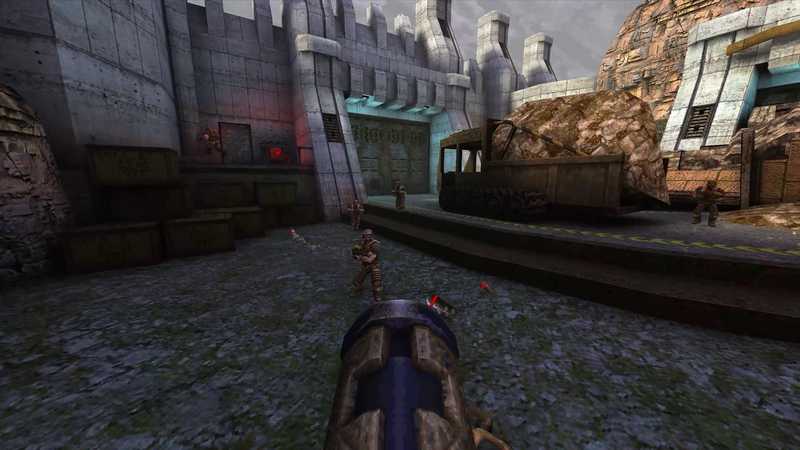
Enjoy the original Quake, now with support for up to 4K* and widescreen resolutions, enhanced models, dynamic and colored lighting, anti-aliasing, depth of field, original background music and theme music by Trent Reznor, and more. There’s never been a better time to play Quake.
Play a dark fantasy campaign
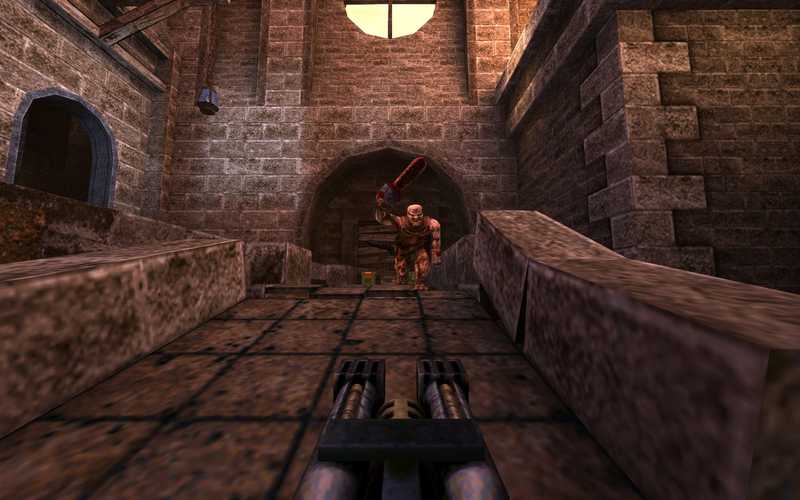
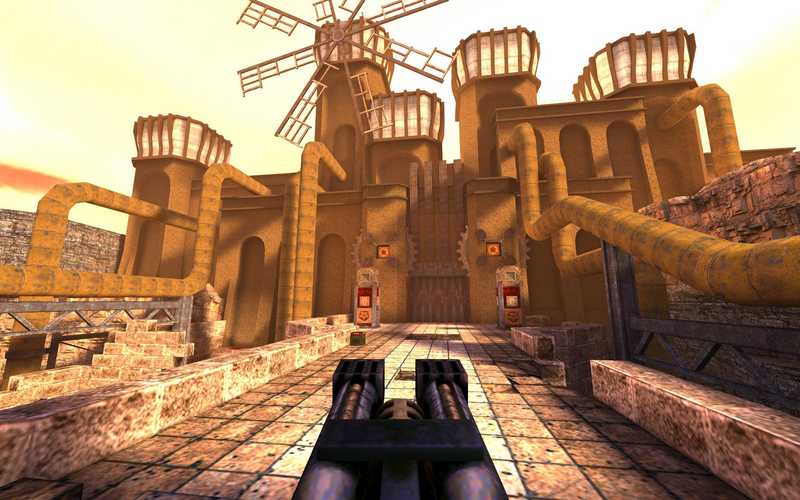
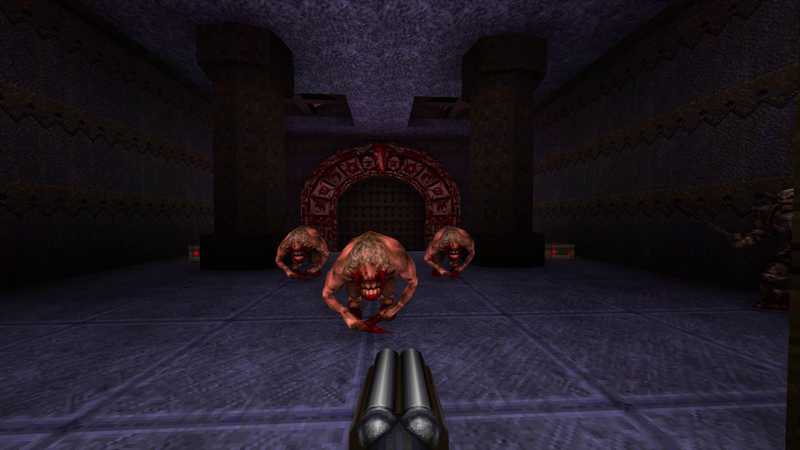
You will play as a warrior “Ranger” who carries a large number of powerful weapons. Fight fallen knights, deformed ogres, and hordes of twisted creatures in four dark worlds of an infected military base, an ancient medieval castle, a lava-filled dungeon, and a gothic cathedral in search of four magical runes. Only by collecting the runes will you gain the power to defeat the ancient evil that threatens all mankind.
Get the initial and new expansion packs
Quake also offers two initial expansion packs: “The Scourge of Armagon” and “Dissolution of Eternity”, as well as two expansion packs developed by the award-winning team at MachineGames: “Dimension of the Past” and the new “Dimension of the Machine”
Demon Army Mode
Experience Quake’s new Demon Army mode and add-on content, free for all players to enjoy. Grab your guns and dive straight into Army of Demons mode, whether you choose to fight alone, online with friends, or in local multiplayer split-screen. Unlock powerful weapons and power-ups to fight your way through endless waves of enemies.
Preview video
Buy genuine
======================
Instructions for use:
After downloading, just double-click to install the game automatically.
If it is a MACBOOK computer, you need to manually copy the QuakeQuest folder to the Quest root directory after installing the APK package.
Button control instructions:
Open the in-game menu with the left-hand controller’s menu button
Left Thumb Stick – Sports
Right Thumbstick Left/Right – Turn (if configured to do so in options)
Right thumbstick up/down — switch to next/previous weapon
A key – jump
Y key — brings up the text input “keyboard”.
Dominant Hand Controller—Weapon Direction
Dominant Hand Trigger – Shooting
Non-dominant hand controller – movement direction (if configured in settings, otherwise defaults to HMD direction)
Offhand Trigger – Run
Right thumb click to change laser aiming mode
======================
How to download and install OculusQuest game “QuakeQuest VR” Quake VR
https:///1285.html
- $Download for freeDownload after commentDownload after login
- {{attr.name}}:
⚖️ Copyright Notice
If any game resources published on this site infringe upon your legal rights, please contact the administrator to remove the VRGoo website, Site resources are uploaded by users for personal study or testing, research, and use. Without permission from the original copyright author, use in any commercial channels is prohibited!
The resources on this site come from the internet; copyright disputes are unrelated to this site. You must completely delete the above content from your computer or other device within 24 hours of downloading. The user's statement that "does not represent the position of this site" has no relation to the site!
This site is a non-profit site. The VIP features are only for users to like the site, donate and reward, and provide technical assistance services. All content is not commercial activity.
If there is any infringement, please contact: vrgoo.org@gmail.com We will remove the product