

[Version]: Updated to the latest version on Fri, 29 May 2026 09:48:03 GMT (1.4.1.)
Update the latest version v1.4.1.52
[Update]: Fixed crash issue and now works normally
[Name]: Return to Castle Wolfenstein
[Genre]: Simulation, shooting, retro
[Platform]: Quest 2, Quest Pro, Quest 3, Quest 3S (all-in-one version)
[Online]: Single player offline
[Size]: 1.17GB
[Refresh rate]: 90Hz
[Language]: English
Welcome to Wolfenstein in VR, the single-player campaign fully supports the 6DoF implementation, which is built exclusively for the Oculus Quest VR HMD and will not run on any other devices.
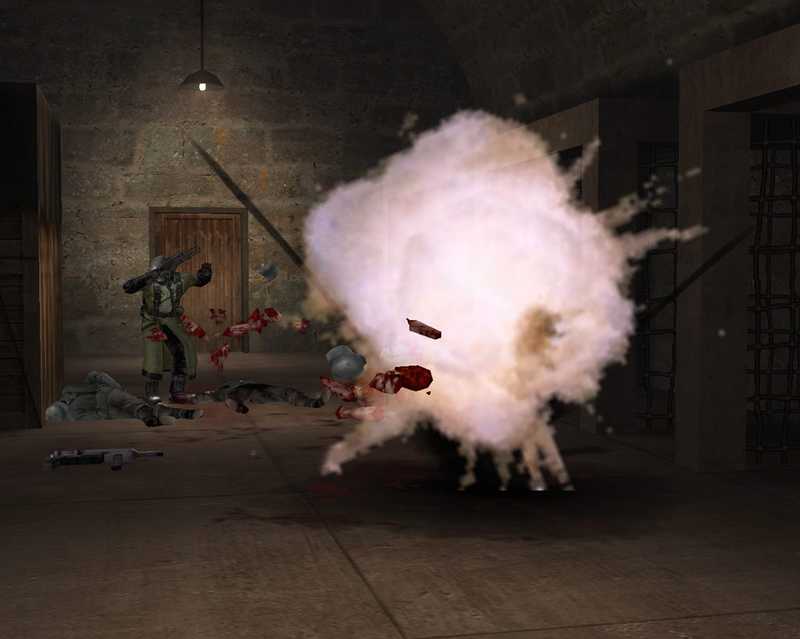
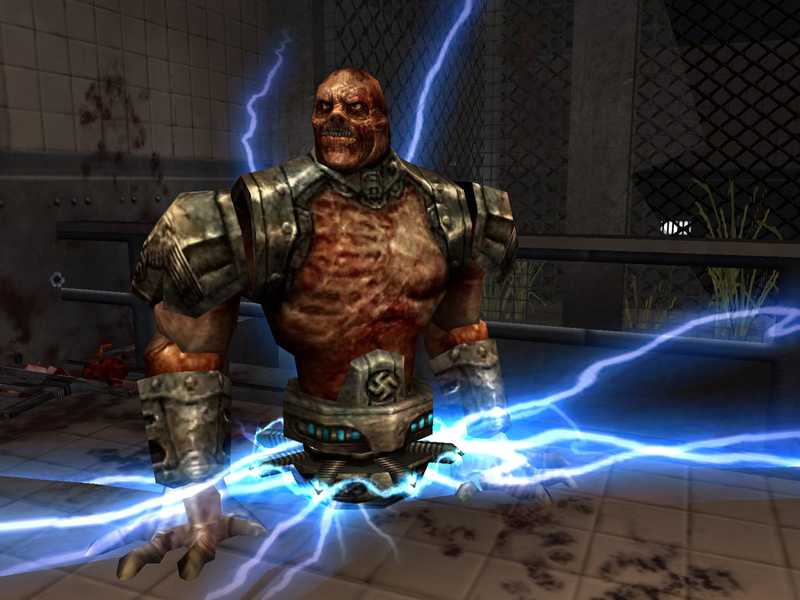
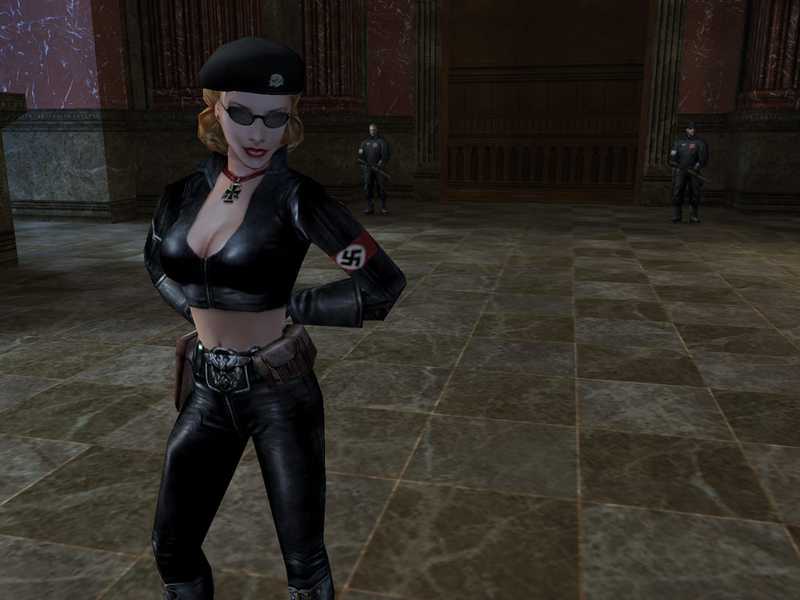
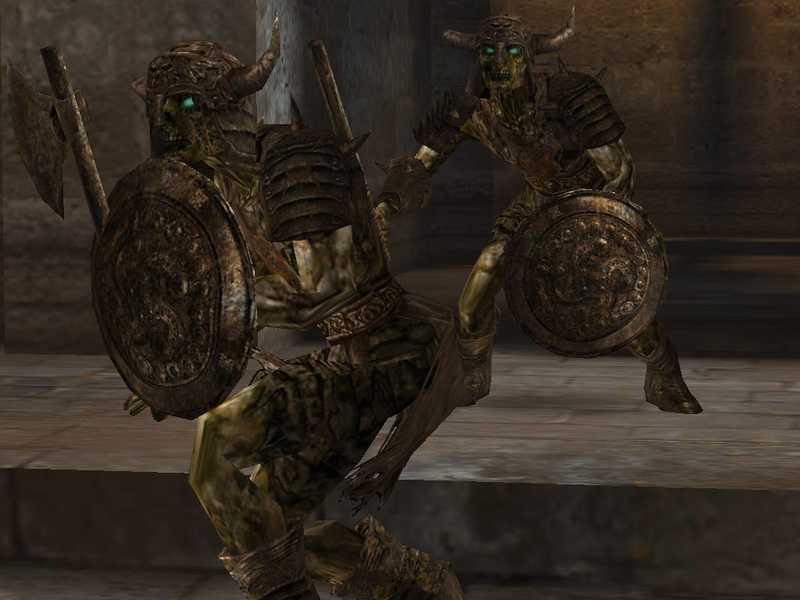
World War II raged and the country fell. SS leader Himmler had Hitler’s full support and twisted science and the occult into an army capable of annihilating the Allies once and for all. Fighting alone, you are on a difficult mission to pierce the black heart of the Third Reich and stop Himmler – or die. Fight in an advanced team-based multiplayer mode as you wage your own World War II in an all-out Axis vs. Allied race for dominance on the front lines.
Powered by the Quake III Arena engine, the world of Wolfenstein is filled with epic environments, artificial intelligence, firepower, and cinematic effects that only a game created by a true master can deliver. The Dark Empire is approaching. Now is the time to take action. When good people do nothing, evil prevails.
epic environment
Intense story-driven action
Fierce artificial intelligence
Big screen movie effect
Team-based multiplayer action
————————————————
Instructions for use:
The game compressed package already contains HD patches.
After downloading, unzip it and double-click the “automatic installation.bat” script. After the prompt is complete, open the game in Quest Unknown Source.
How to use MacBook Apple computers:
After using sidequest or other tools to install the APK package, copy the RTCWQuest folder to the Quest root directory.
————————————————
- $Download for freeDownload after commentDownload after login
- {{attr.name}}:
⚖️ Copyright Notice
If any game resources published on this site infringe upon your legal rights, please contact the administrator to remove the VRGoo website, Site resources are uploaded by users for personal study or testing, research, and use. Without permission from the original copyright author, use in any commercial channels is prohibited!
The resources on this site come from the internet; copyright disputes are unrelated to this site. You must completely delete the above content from your computer or other device within 24 hours of downloading. The user's statement that "does not represent the position of this site" has no relation to the site!
This site is a non-profit site. The VIP features are only for users to like the site, donate and reward, and provide technical assistance services. All content is not commercial activity.
If there is any infringement, please contact: vrgoo.org@gmail.com We will remove the product


спасибо